Processing PDFs in the browser without freezing the UI: Web Workers and local data

Processing a PDF can require binary parsing, page rendering, OCR, data detection, and rebuilding the file. When all of that runs on the main thread, interaction can degrade on slower devices or with complex documents. PriviTools moves heavy tasks into Web Workers so the interface can remain available while the browser works.
That does not mean every document finishes in the same time or that an interface can never block. Performance depends on the file, available memory, browser, and device. This article describes the architecture and its verifiable limits.
What a Web Worker provides
A Web Worker runs JavaScript away from the thread that renders the interface. It communicates with the page through messages and cannot manipulate the DOM directly. This makes it useful for local CPU work without making the screen wait for a long calculation. MDN documents the model and its constraints.
To avoid needless copies of large data, ArrayBuffer instances can be transferred between the
main thread and a Worker. After transfer, the original owner can no longer use that buffer; this
should not be interpreted as a zero-cost guarantee for every operation. MDN explains
transferable objects.
How PriviTools divides the work
The implementation uses Workers for three families of tasks:
- PDF operations.
pdf-worker.tsreceives an operation and delegates it to the local PDF library. Progress messages return to the main thread. - Automatic redaction.
auto-redact-worker.tsreceives the fileArrayBufferand approved boxes. The Worker returns a processed copy and page-level progress. - Local AI features. PriviMind Workers load the configured browser models and report their progress and answers to the interface.
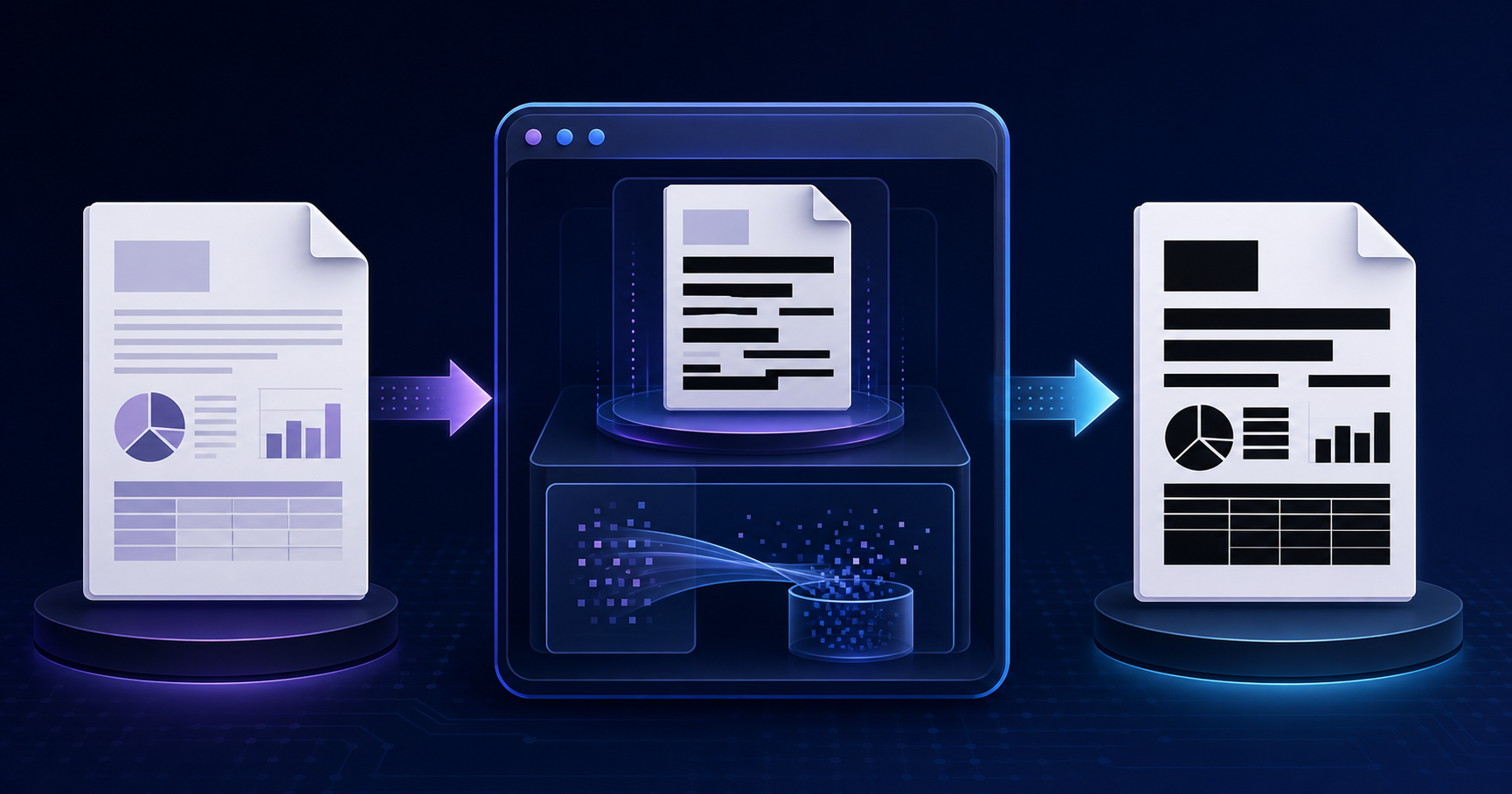
The hero image represents this flow: interface, isolated Workers, and messages back. It is not a performance chart or a claim that every operation runs without waiting.
Worker safety checks
A Worker has no document. Project tests verify that modules running in Workers do not rely on
DOM-only APIs and provide an OffscreenCanvas path for rasterization. They also verify that the
PDF engine loads its browser build and retains a real Worker instead of falling back to a simulated
mode.
Those checks do not replace compatibility testing in every browser. They are a concrete regression net for failures that can be reproduced in this codebase.
What we verify about the file
The privacy test creates a PDF with canary values and observes browser requests. It fails if a canary appears in a request URL or body, if a large request body goes to a third party, or if an unapproved origin appears. The allowlist includes first-party resources and, when enabled, analytics or advertising services; the test does not claim that those services create no traffic. It asserts that the document content did not appear in the observed requests during the tested flow.
The redaction test downloads the output and looks for canaries in three layers: raw bytes, extractable text, and metadata. It also confirms that the test flow found its sample data before calling the result correct. This is automated evidence for defined cases, not a claim of perfect detection for every format, language, or data type.
Limits that remain the user’s responsibility
- Review findings before redacting: automatic detection can miss data or create false positives.
- Test the downloaded copy, not only the preview.
- Account for available memory: large, image-heavy documents may need more resources than a device has free.
- Check the browsers that are part of your actual workflow.
- Do not equate local processing with automatic GDPR, HIPAA, or other regulatory compliance.
For a redaction workflow, pair the technical step with our guide to redacting a PDF without leaving text underneath and with a metadata review before sharing.
How to reproduce the evidence
The tests behind these statements live beside the product: privacy-no-exfiltration,
redaction-effectiveness, and worker-safety. Reproducing them requires the project’s test
environment and configured browsers. Whenever a Worker, PDF dependency, or network policy changes,
run them again: evidence ages with the code.
The point is not to promise zero latency or mathematical privacy. It is to make the boundaries explicit: what is delegated, what is transferred, what is checked, and what still needs human review.
 When AI redacts your PDF, where does the file go?
 How to redact a PDF permanently: a black rectangle is not enough