Your files are not uploaded: how local processing works in PriviTools
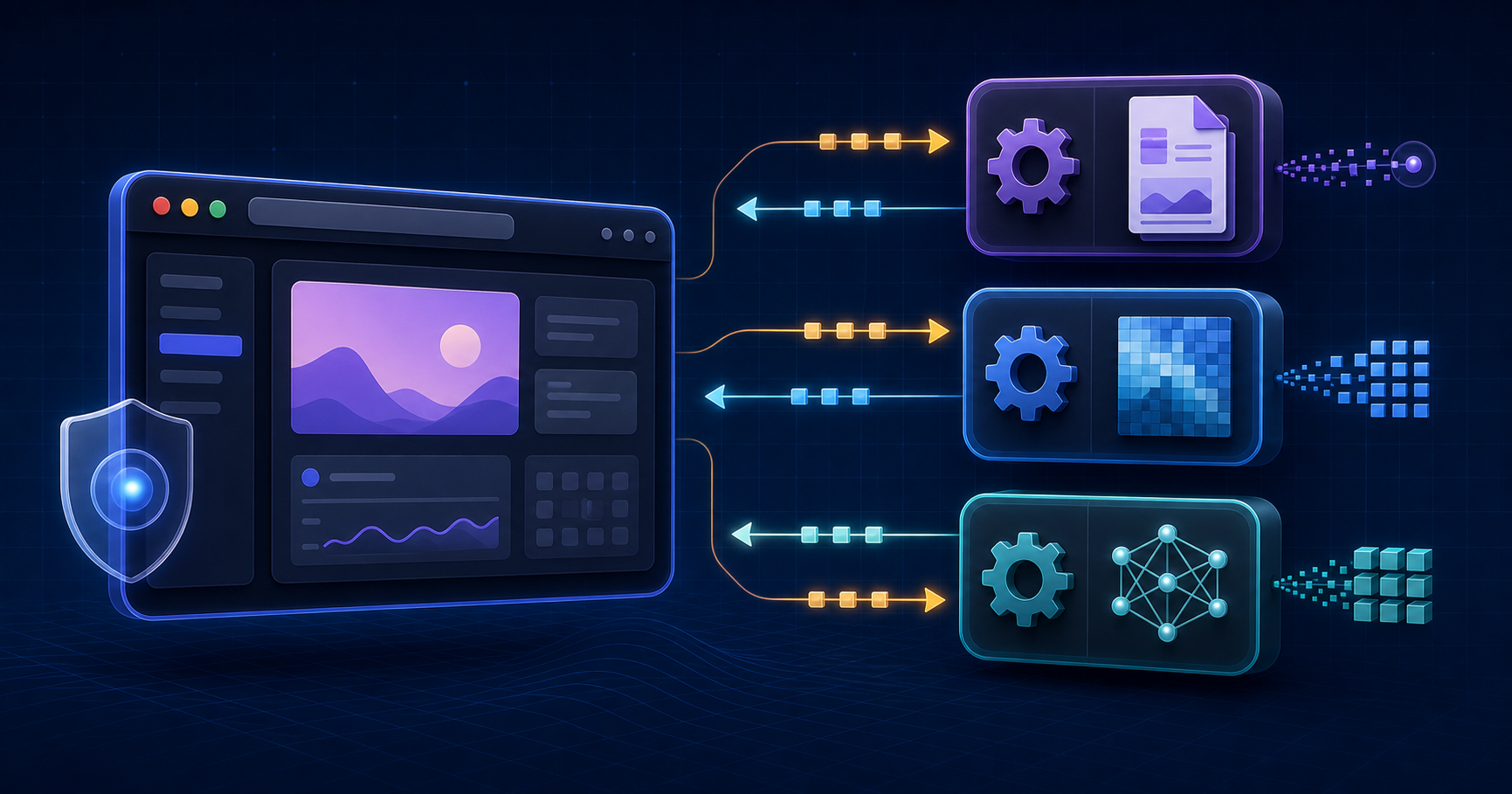
Most web tools ask you to upload a file before they do anything with it. To merge a PDF, convert a spreadsheet, extract text from an image, or redact a document, the usual path is browser → server → result. It can be convenient, but it also moves the content beyond your device.
PriviTools takes a different architectural approach for tools identified as local: the file is opened, transformed, and converted in the browser. PriviTools does not receive the document or the text you enter in order to process it on its servers.
That distinction matters, but it should be explained without absolute language. Local processing does not mean that a web page never makes network requests. It means that the path handling your file does not send it to a backend for processing. This is the architecture, the evidence we have, and the limits you should understand.
A file’s path: from picker to download
When you choose a file or drag it into a tool, the browser gives the page a File object. A web
application can only read files you explicitly selected; that restriction is part of the web
platform’s model. The File API
makes it possible to read that object in the browser.
In a typical local operation, the path looks like this:
File chosen by the person
        ↓
Browser memory (File / ArrayBuffer)
        ↓
Tool logic and, when appropriate, a Web Worker
        ↓
In-memory result (Blob)
        ↓
Browser-initiated download
There is no “upload the file” step between selection and result. For example, delegated PDF
operations receive data as an ArrayBuffer and process it with libraries running on the client.
The result is prepared as a Blob, which a browser can offer for download through a local blob:
URL; it is not a URL for a file stored by PriviTools. MDN documents this object-URL
mechanism.
Why we use Web Workers
Some files require intensive work: parsing PDF structure, rendering pages, applying redactions, running OCR, or generating a final copy. If all of that runs on the thread that paints the interface, the page can become unresponsive, especially with complex documents or constrained devices.
That is why some operations run in Web Workers. They are JavaScript contexts separate from the
interface thread and communicate by messages. In the automatic-redaction path, for example, the
document’s ArrayBuffer and the areas reviewed by the person go to a Worker; the Worker returns
the result and page-level progress. This is still work inside the browser, not a call to a
conversion server.
An ArrayBuffer can be transferred to a Worker, moving ownership of those bytes between the two
contexts without the file travelling over the Internet. Transfer is not a guarantee of identical
performance on every device, but it avoids unnecessary copying where supported. MDN documents
transferable objects and their limits.
The practical advantage is not only speed
Not uploading a document changes which parties can participate in an operation. A cloud service may need to store the file temporarily, record a job, apply access controls, and delete a copy later. PriviTools does not need that chain for local tools: the document does not enter its processing infrastructure.
This reduces exposure of the content to that infrastructure, but it does not make every file safe by itself. If someone emails the result, uploads it elsewhere, uses a compromised device, or has a malicious extension installed, those are different risks that a local tool cannot remove.
The privacy claim is therefore specific: do not add a PriviTools server to your file’s path. It is not a promise of absolute anonymity, automatic GDPR compliance, or security against every risk on a device.
What we test instead of asking for trust
The claim is tested through automated project flows. The tests create PDFs with canary data — synthetic markers designed to reveal a leak — and observe the browser requests made while loading, analysing, and downloading.
The test fails if any of these happens:
- a marker appears in a request URL or body;
- a third party receives a large request body;
- a network origin appears without explicit approval; or
- the redaction output still exposes the marker in raw bytes, extractable text, or metadata.
Automatic-redaction and PDF-upload flows are covered in this way. A wider tool-page sweep also watches for new origins that have not been reviewed. This is not a universal certification of all 42 tools, every browser, or any future version. It is reproducible evidence for the automated cases today. Any change to dependencies, Workers, or network policy requires the tests to run again.
What can still communicate over the network
Leaving this out would be worse than explaining the architecture. To show a tool, a browser downloads HTML, JavaScript, styles, and other site assets. The hosting provider can also record ordinary technical connection data, as with any website.
There are separate actions outside the tool path as well. If you choose to send a suggestion in the feedback form, that message is transmitted to the form provider. It does not attach the file being processed. Some advanced features can also download a library or model before working locally; downloading that component is not the same as sending your document to its provider.
The important distinction is simple:
| Action | Is file content sent to PriviTools for processing? |
|---|---|
| Open a local tool | No |
| Choose, drop, or process a file | No |
| Download the locally created result | No |
| Voluntarily send feedback | The message is sent, not the tool file |
Our privacy policy explains these separations and the browser-local storage some features use to continue work in the same browser profile.
What to check before trusting any online tool
“Private” is not enough of a claim, even when PriviTools makes it. When a file is sensitive, consider these checks:
- Read where the tool says it processes the file and whether it describes exceptions.
- Inspect requests with browser developer tools or an independent network audit.
- Check whether the result downloads directly or whether you receive a temporary server link.
- Review the final copy, especially after redaction, conversion, or OCR.
- Keep the original protected and use an independent review for high-risk documents.
For PDF redaction, the final check is essential: a black rectangle can hide text without removing it. Read our guide to redacting a PDF without leaving text underneath and always verify the downloaded file.
Privacy you can inspect
PriviTools’ strength is not “trust us.” It is keeping local-tool processing where the file already is — in your browser — and making that decision inspectable through client-side code, explicit limits, network tests, and results downloaded from the device itself.
The browser does not remove every security obligation. It does make it possible to avoid a choice that many online tools treat as inevitable: handing your document to a backend just to transform it.
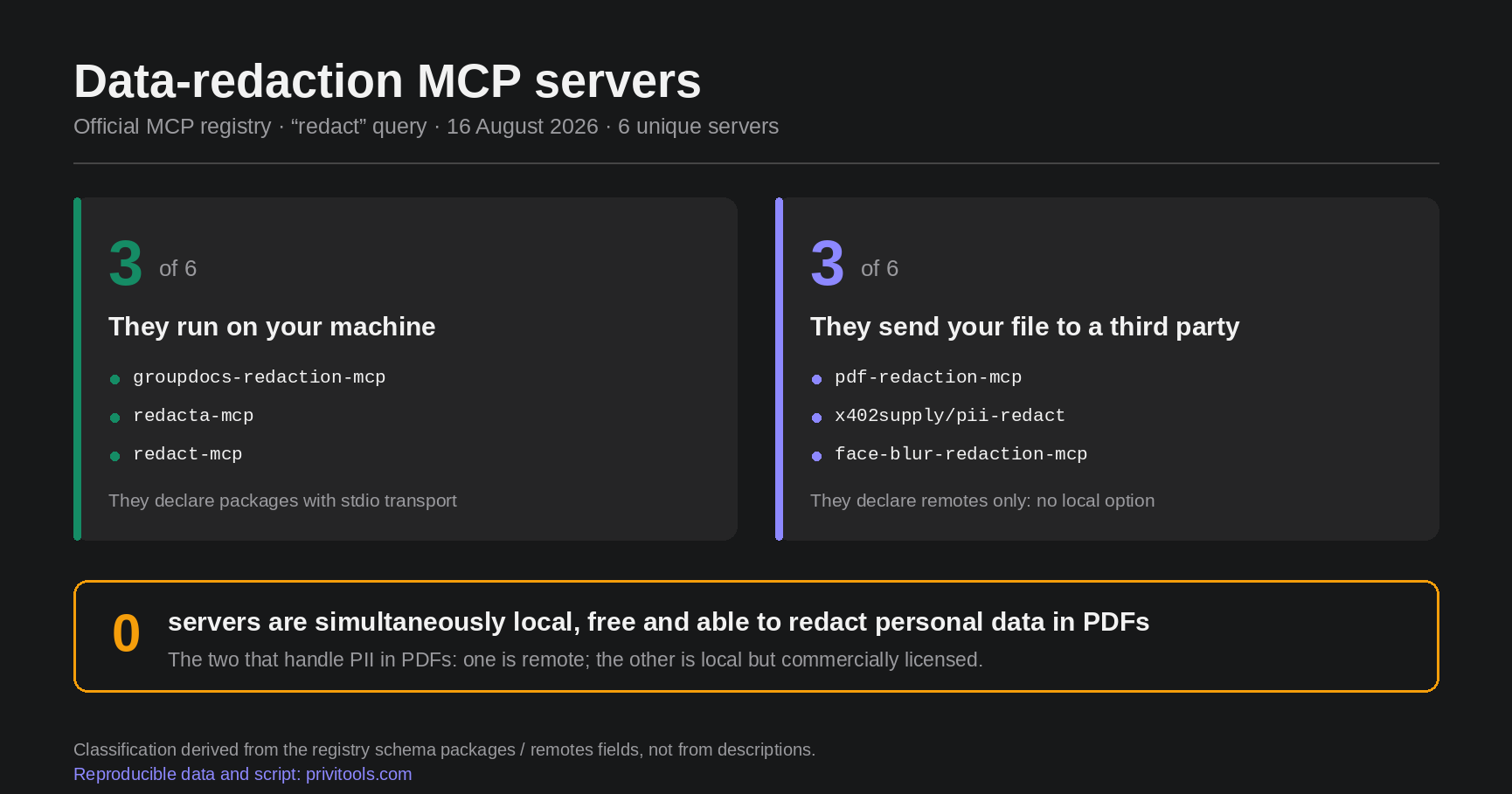 When AI redacts your PDF, where does the file go?
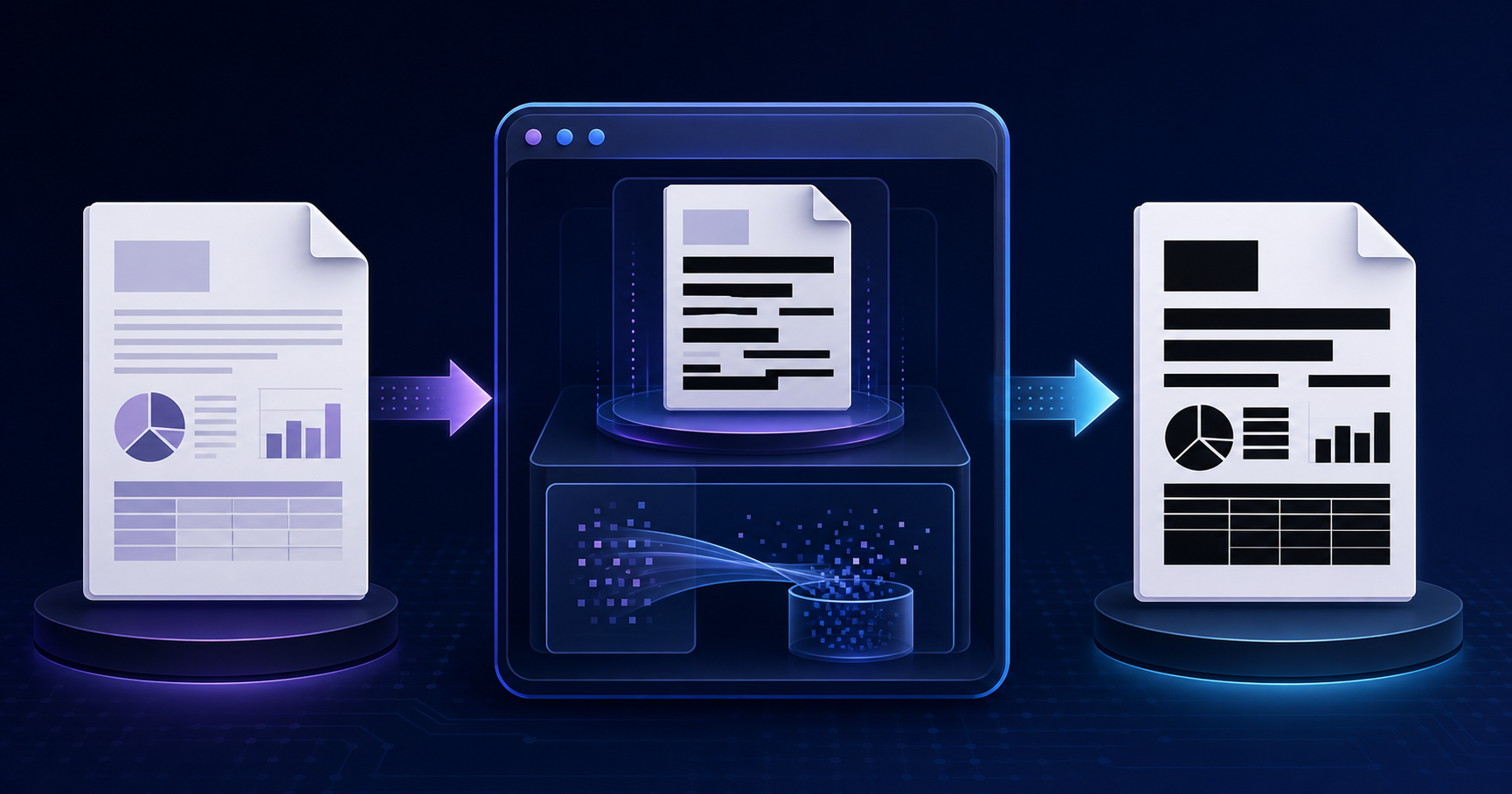 How to redact a PDF permanently: a black rectangle is not enough